
How to Read Tornado Tracker Data in Alabama
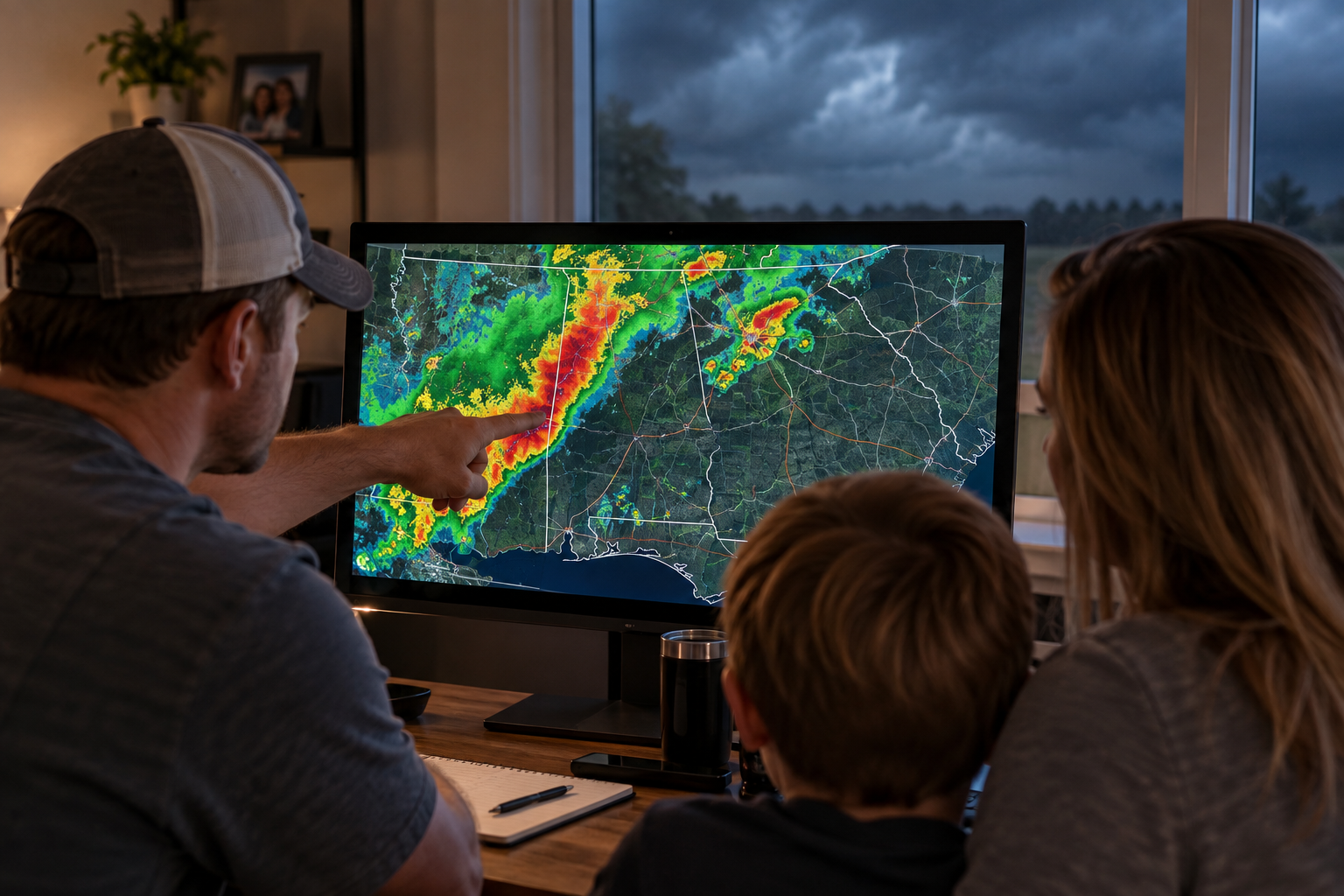
How to Read Tornado Tracker Data in Alabama
Live tornado tracker data can look overwhelming if you don't know what you're looking at — storm cells, movement lines, watch and warning areas all layered together. Once you know what each piece actually represents, it becomes a genuinely useful tool for Alabama homeowners deciding when it's time to head to shelter, rather than just something to glance at nervously during a storm.
What a Tornado Tracker Actually Displays
At a basic level, a live tracker shows tracked storm activity as it moves, highlights areas currently under a watch or warning, and updates as conditions change. It's built to answer a specific, immediate question — what's happening right now, near me — rather than to explain historical patterns or long-term risk. That's a different job than a tornado history page, and it's worth keeping the two separate in your head.
The watch and warning layers work together with that tracked activity: a watch marks a broader area where conditions could support tornadoes over the next several hours, while a warning marks a smaller, more urgent area where a tornado has been indicated by radar or confirmed on the ground. Reading a tracker well means paying attention to which of these applies to your specific location, not just whether something is happening somewhere on the map.
Tracked Storm Cells vs. Confirmed Tornadoes
One of the most common points of confusion is treating a tracked, rotating storm cell as the same thing as a confirmed tornado. A tracked cell means a storm is showing characteristics worth watching — it doesn't mean a tornado has touched down. Warnings get issued based on this kind of tracked activity and radar signature, sometimes before a tornado is visually confirmed, which is exactly why waiting for visual confirmation before taking shelter isn't a safe strategy in Alabama's terrain.
How Tracker Data and Storm Mode Work Together
The tracker shows you where storm activity is and how it's moving. Storm Mode is built to keep that awareness active and current without you needing to keep refreshing a page manually during an event. Used together, they cover both halves of real-time awareness — knowing what's happening and staying updated on it as conditions change.
Reading Movement and Timing
A tracked storm's direction and speed matter as much as its current location. A fast-moving storm cell gives you less usable time between when it's tracked near your area and when it could actually arrive, compared to a slower-moving one. This is part of why checking a tracker isn't a one-time glance — conditions and timing can shift meaningfully in the time it takes to finish reading a single update.
Why Real-Time Tracking Matters More in Alabama's Terrain
Alabama's mix of wooded, hilly terrain in the north and flatter ground farther south means visual confirmation of an approaching tornado isn't equally reliable everywhere in the state. In areas where trees and rolling terrain limit sightlines, tracked data becomes one of the more reliable ways to know a storm is close, rather than relying on being able to see it coming.
A Practical Example of How This Plays Out
Picture a storm cell tracked moving northeast at a steady clip, still a county away from an Alabama property. At that distance, there's time to review a shelter plan, gather anyone in the household, and stay updated as the cell continues to move. Twenty minutes later, the same cell has closed most of that distance and a warning has been issued for the area. The tracked data didn't change in kind — it's still the same storm — but the amount of usable time did, which is exactly why a single glance early on isn't enough on its own.
Common Mistakes When Reading Tracker Data
- Assuming a tracked storm cell is the same as a confirmed tornado on the ground
- Checking once and assuming conditions will stay the same rather than rechecking as the storm moves
- Waiting for visual confirmation in areas where terrain or tree cover limits visibility
- Treating a Tornado Watch, which covers a broad area over several hours, the same as a more urgent Tornado Warning
From Tracking to Taking Action
Reading the data is only useful if it changes what you do next. For the full picture of what to do before, during, and after severe weather in Alabama, see Alabama tornado safety. Storm Mode pairs with the tracker to keep you aware of developing conditions in real time, rather than checking back manually during an active event.
Use the Tools Built for This
Take a look at the 24-hour tornado tracker to see tracked activity for yourself, review Alabama tornado safety for full preparedness guidance, or explore Alabama storm shelters if you're ready to look at shelter options. Use the storm tools to stay ahead of developing conditions.